Your Aesthetic Memory Book: DIY Digital Scrapbooking on Canva!

Your Aesthetic Memory Book: DIY Digital Scrapbooking on Canva!
Transform your memories into stunning digital scrapbooks with Canva! Learn how to curate photos, stickers, and text for an aesthetic, shareable memory book. Get creative and preserve your best moments.
Remember those bulky, glitter-covered scrapbooks of yesteryear? Well, the memory-keeping game just got a major glow-up! Say hello to the 'digital scrapbook' trend, a vibrant, modern take on preserving your most cherished moments.
And the best part? You can craft your very own aesthetic masterpiece using a tool you probably already love: Canva. It's about curating your life's highlights into a shareable, beautiful, and endlessly customizable digital archive.
Why Go Digital with Your Memories?
Forget the glue sticks, paper cuts, and limited space. Digital scrapbooking offers unparalleled freedom. You have an infinite canvas, access to millions of design elements, and the ability to correct any 'oops' moment with a single click.
Plus, your creations are instantly shareable with friends and family, no matter where they are in the world. It's an eco-friendly choice too, reducing paper waste while still celebrating the art of storytelling through visuals. It's about turning fleeting moments into timeless treasures, beautifully presented and easily accessible, whenever nostalgia strikes.

Canva Essentials for Your Memory Book
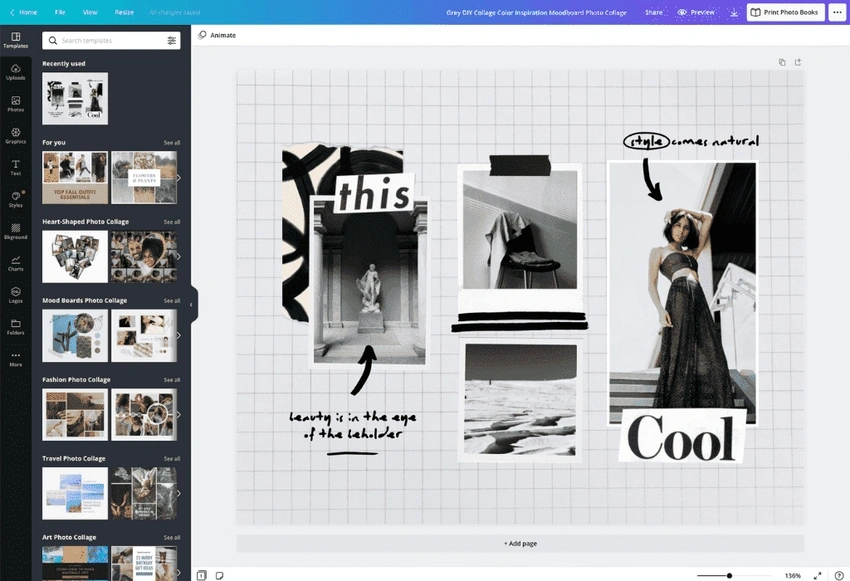
Getting started on Canva is surprisingly simple. Begin by choosing a blank canvas or exploring their vast library of scrapbook or photo album templates. Think of them as launching pads for your creativity.
Upload your favorite photos-from spontaneous selfies to scenic travel shots.
Then, explore Canva's 'Elements' tab. Here's where the magic happens: search for stickers, frames, graphics, lines, and shapes that fit your aesthetic.
Don't forget to play with text!
Add captions, dates, quotes, or even hand-drawn-style fonts to personalize each page.
Crafting Your Aesthetic Story
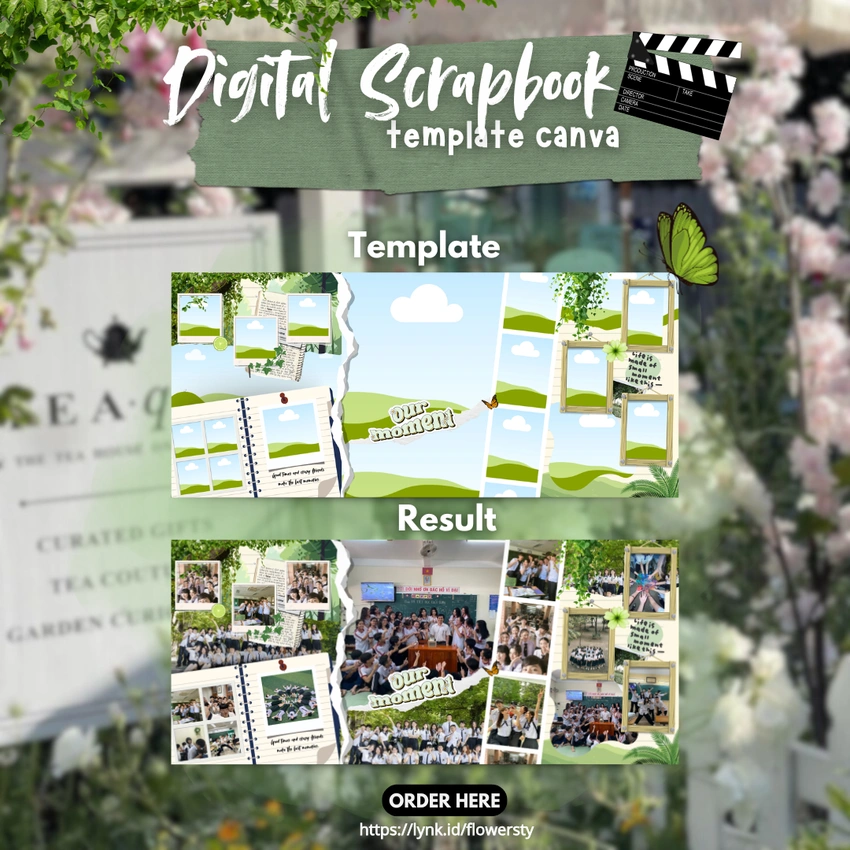
Creating a truly aesthetic digital scrapbook goes beyond just adding photos. Think about your overall vibe. Are you going for a vintage, minimalist, Y2K, cottagecore, or modern look?
Consistency is key! Choose a cohesive color palette and stick to 2-3 complementary fonts throughout your book.
Experiment with different layouts; grid, collage, or scattered-chic-Canva handles them all.
Use transparency effects to layer elements, create depth, and make certain photos pop.
Remember, each page is a mini-story; let it reflect your personality and the emotion of the memory.
Your Memories, Reimagined?
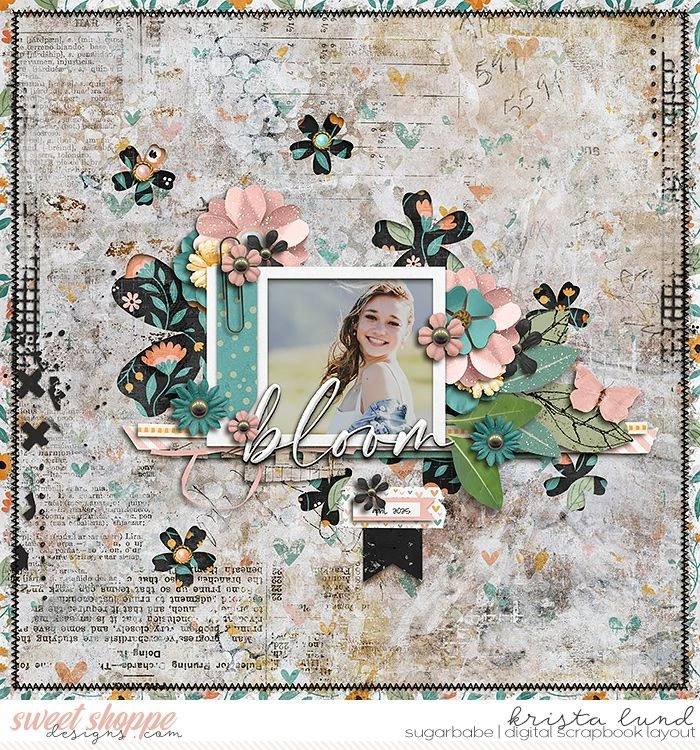
Once your digital masterpiece is complete, the world is your oyster! Download it as a high-quality PDF for a virtual flip-through experience, or save individual pages as images to share on social media. For a tangible touch, consider having your digital scrapbook printed as a custom photo book-Canva even offers printing services directly.
It's about making the process itself a creative, enjoyable, and shareable journey.
So, grab your laptop, open Canva, and start crafting the aesthetic memory book of your dreams!
