Leaving ChatGPT? Claude Memory makes switching easier amid Pentagon backlash

Leaving ChatGPT? Claude Memory makes switching easier amid Pentagon backlash
As backlash over AI's military use grows, users export data and consider Claude Memory to smooth the switch from ChatGPT. Learn how to secure data, delete chats safely, and migrate.
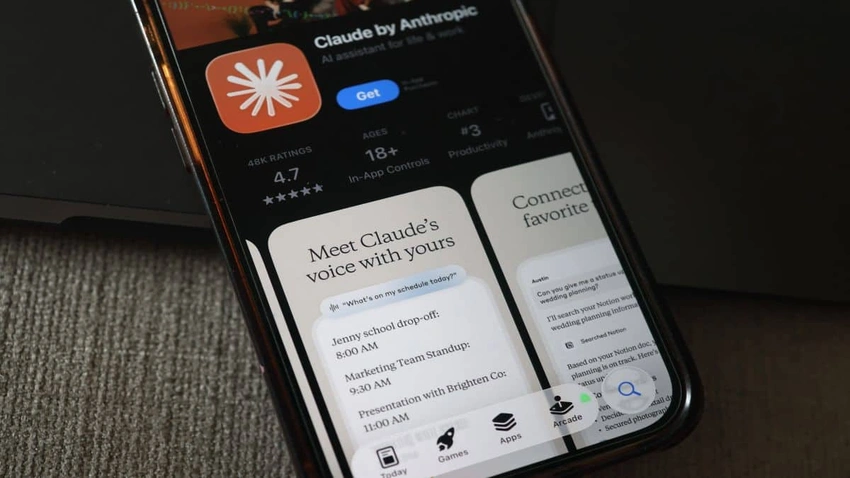
Amid backlash over AI's involvement with the Pentagon, a growing number of ChatGPT users are weighing a delete or exit. Many want to preserve their insights, notes, and brainstorming by exporting chat data before stepping away from the platform. To start, open ChatGPT in a web browser, click the profile icon, go to Settings, and choose Data controls. From there, select Export data to download a complete copy of your chat history. You’ll receive an email with a download link, and the process can take some time, so it’s wise to initiate it early and wait for the file before closing your account.\n\nAnother precautionary step is to Delete all chats. This option permanently wipes conversation history from your account, but only after you’ve confirmed that you’ve successfully downloaded your archive. These steps help ensure you don’t lose valuable context when you migrate to another AI platform.\n\nMigration tools are increasingly highlighted as a way to keep continuity. Anthropic’s Claude Memory is pitched as a way to carry memory and context across chatbots, making it easier to switch between AI assistants without losing important threads. Reports and guides describe memory import capabilities that allow users to bring over relevant context from ChatGPT to Claude.\n\nBeyond individual user moves, Claude’s momentum is also reflected in recent app-store rankings, where Claude has risen in free app rankings. While outages have affected some Claude users, the broader push toward smoother AI transitions remains a key talking point for those evaluating which platform best fits their needs.\n\nFor anyone planning a migration, the takeaway is clear: map your data, secure your history, and explore tools that help bridge your conversations and context as you try new AI partners.

Login to comment.
No thots yet. Be the first to share your thoughts!