Wired for Precision: The 7 Best PCB Design Software Tools Every Engineer Should Know

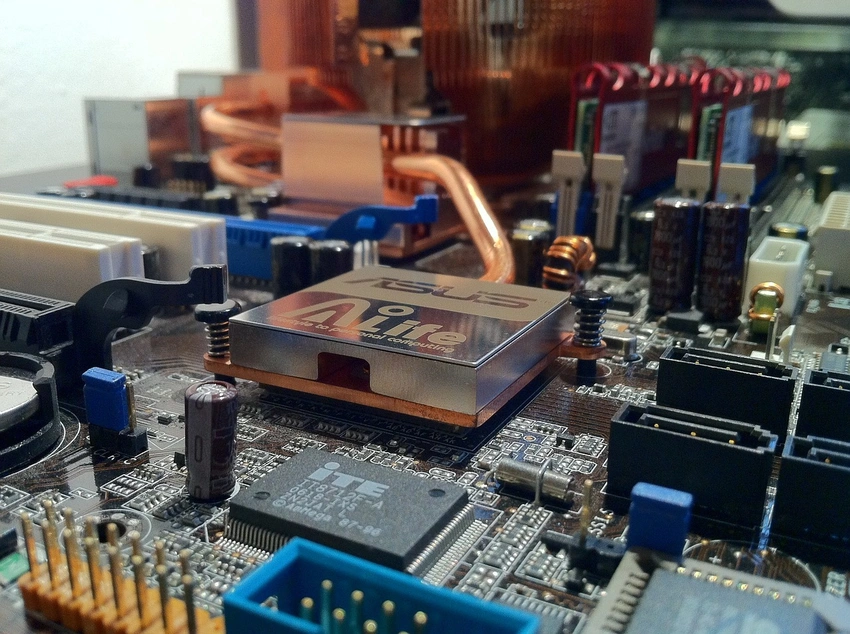
Wired for Precision: The 7 Best PCB Design Software Tools Every Engineer Should Know
Ever stared at a maze of copper traces and thought—how did someone even design this?
Whether it's a tiny wearable circuit or the powerhouse behind a humanoid robot, every PCB starts in a digital sandbox: design software. But with dozens of platforms promising accuracy, automation, and “intelligent” routing, choosing the right one can feel like decoding a foreign language.
Some tools are built for speed and simplicity. Others are gloriously complex—fit for aerospace engineers and AI-powered robots. And then there are those hidden gems quietly loved by indie makers and students for their no-fluff, no-cost approach.
The real question is: which one is right for you?
From open-source brilliance to powerhouse suites that handle everything from schematic to fabrication, this guide breaks down the best software options on the board.
Ready to find your perfect design match? Let’s wire you in.
Top 7 PCB Design Tools for Every Skill Level
1. Altium Designer – The Industry’s Heavyweight Champion
When professionals say "serious PCB design," chances are they’re talking about Altium. From flex and rigid-flex PCBs to high-speed digital systems, this tool handles it all with elegance.
- 3D modeling? Check.
- Version control and team collaboration? Yep.
- Stunning UI that doesn’t fry your brain? Surprisingly, yes.
But it comes with a hefty price tag, which means it’s often reserved for engineering firms and high-budget R&D.
2. KiCad – The People’s Champ (Open Source)
If Altium feels like a Ferrari, KiCad is a rugged Land Rover — open-source, flexible, and more powerful than it looks.
- Completely free
- Supports multi-layer boards and advanced features
- Huge community and plugin support
Use it when:
- You want full control without licensing drama
- You’re working on personal projects or startup-level robotics
3. Autodesk EAGLE – Fusion-Ready for Makers and Pros
Once the darling of hobbyists, EAGLE now lives inside Autodesk Fusion 360 — which gives it powerful 3D mechanical integration.
Where it shines:
- Quick prototyping
- Fusion-to-PCB workflows
- Compact user interface
Where it stumbles:
- Tied to Fusion’s subscription
- Limits on the free version
4. EasyEDA – Your Browser-Based Buddy
No installations, no updates, no excuses. EasyEDA runs entirely in your browser and still gives you enough power to create real, production-ready PCBs.
Why it works:
- Instant access from any device
- Auto-linked to JLCPCB for quick ordering
- Beginner-friendly interface
Perfect for:
- First-time PCB designers
- Quick test projects
- Students and teachers
5. Proteus – Simulate Before You Solder
Proteus combines PCB design with microcontroller simulation — which makes it a go-to for robotics developers who like testing before breaking real boards.
Use it if you need:
- Real-time code + circuit simulation
- Embedded system design (AVR, PIC, ARM, etc.)
- Powerful schematic-to-layout workflow
6. DipTrace – Smooth, Sleek, and Surprisingly Deep
If you’re after something more polished than KiCad but less overwhelming than Altium, DipTrace is a sweet middle ground.
- User-friendly drag-and-drop editor
- Clean schematic capture
- Great for mid-range commercial work
7. Fritzing – Designed for the Visually Wired
Fritzing isn’t built for pro-grade PCBs—but it’s brilliant for teaching and visualizing beginner circuits.
When to use it:
- Early-stage breadboard visualization
- Educational blog illustrations
- Kids' workshops or community training
Final Trace: Choose Software That Matches Your Flow
No PCB design 🔗 software is “one size fits all.” Each tool carries its own quirks, strengths, and sweet spots. Whether you’re building your first line-following bot or drafting a 6-layer industrial board, your choice of software sets the tone.
Start small, scale smart, and always choose tools that match your design rhythm. After all, behind every functional robot, wearable, or drone — there’s a board that started with a single click and a blank grid.
