Windows 10 nearing end of support: Millions of Users at Security Risk — Here’s How to Stay Protected

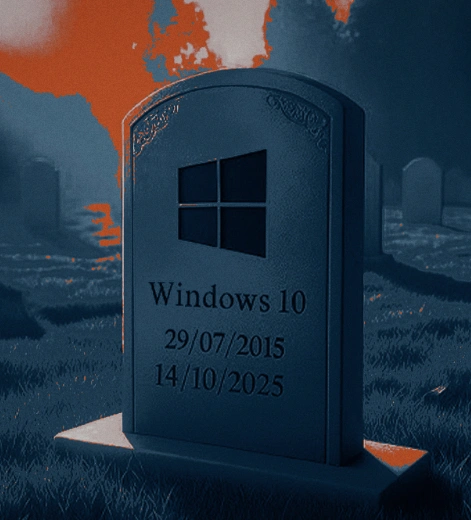
Windows 10 nearing end of support: Millions of Users at Security Risk — Here’s How to Stay Protected
Microsoft ends Windows 10 support on Oct 14, stopping free security patches. This puts millions at risk as attackers target unsupported systems. Find out what it means for hardware, upgrades, and protection.
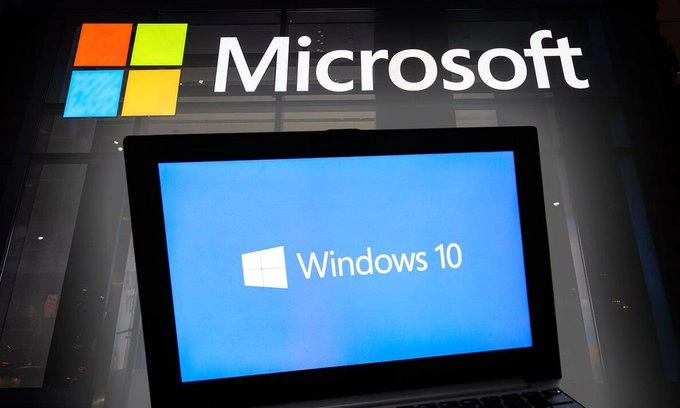
Microsoft is no longer concerned about Windows 10. Security patches and updates for Windows 10 will no longer be available after the support deadline of October 14. Nearly ten years after its initial release, the end-of-life decision puts millions of people at serious risk, particularly in light of cyberattacks and significant data loss.
Microsoft will stop offering free and necessary OS security updates. Since hackers are known to actively target operating systems as soon as their official support expires, this instantly exposes all unsupported Windows 10 computers to new exploits. Because of its large user base, industry experts caution that Windows 10 may soon become a prime target.
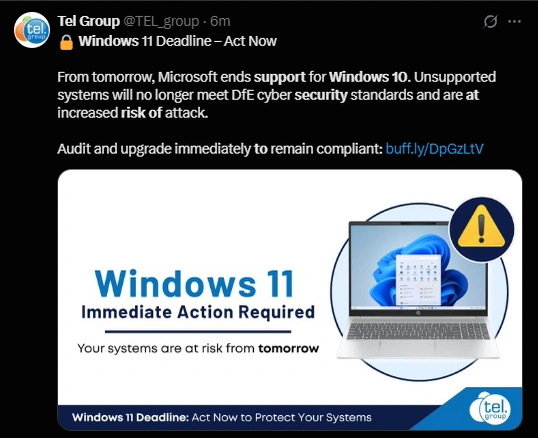
The hardware specifications for the upcoming Windows 11 update further complicate matters. Nearly 200 million computers worldwide are reportedly running Windows 10 and are not eligible for the free Windows 11 upgrade, according to a report cited by Forbes. This is mainly because the hardware is unsupported and does not adhere to Microsoft's stringent requirements.
Windows 10 support ends: What’s next for Users?
There are a number of recommendations depending on the age and capabilities of people's PCs, even though Microsoft advises updating to Windows 11.
Upgrade to Windows 11: The free upgrade to Windows 11 should be downloaded right away for devices that meet the minimum hardware requirements. This guarantees ongoing access to the newest features, such as Copilot and other new AI offerings, as well as crucial security patches.
Extended Security Update (ESU) Program: Microsoft provides the ESU program for individuals or organizations with incompatible hardware. For another year, this premium subscription offers important security updates. Nevertheless, this is an expensive and short-term solution. The fact that millions of users cannot afford a new device or the ESU subscription has worried the majority of consumer advocacy groups.
Run Unsupported: Computers will continue to operate normally for users who choose not to upgrade or install the ESU. They won't, however, be shielded from new cybersecurity risks. It might allow ransomware, malware, and significant data breaches.
All Windows 10 users must make a data backup, regardless of the decision made regarding outdated, unsupported PCs. There is a considerable chance of data loss or system failure when switching operating systems or depending on an unprotected computer. Users ought to make a complete backup of their computer.
Furthermore, Microsoft recommends that users who intend to recycle, resell, or donate an outdated, unsupported Windows 10 computer first use the operating system's built-in erase feature to clean the hard drive.
#Windows10EndOfSupport #Windows11Upgrade #CyberSecurity #DataProtection #TechNews
