Think Before You Click: Unsubscribe Links Could Be a Gateway to Phishing Scams

Think Before You Click: Unsubscribe Links Could Be a Gateway to Phishing Scams
Thinking of unsubscribing from marketing emails? Learn how those links can be risky and what safe options you have. Protect your personal data today!
These days, promotional emails that offer flash sales, crypto advice, obnoxious job offers, last-minute travel deals, and miraculous weight-loss solutions are all over mailboxes. The "unsubscribe" link is the most common way to opt out of these emails. Although it could be alluring to click that button and get rid of those marketing emails, those links aren't always what they seem, and clicking them could endanger you.
Privacy Concerns
The Wall Street Journal reported that clicking on the "Unsubscribe link" could expose your device and personal data to online threats, citing DNSFilter, a company that sells cybersecurity software. TK Keanini, CTO at cybersecurity firm DNSFilter, cautions,
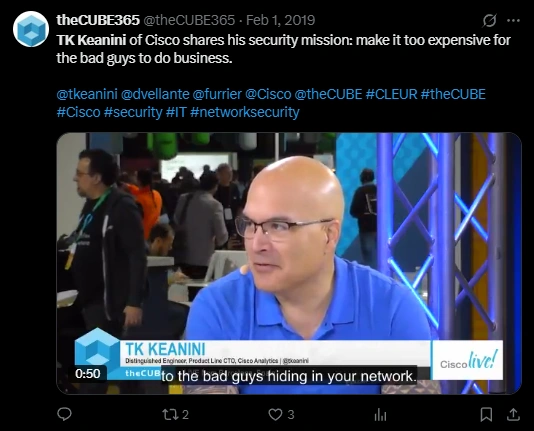
"You're leaving the safety of your email app and entering the wild west of the web."
Even if the link doesn't take users to a phishing website, it may still confirm to scammers that your email address is active. According to the report, approximately 1 in 644 unsubscribe clicks result in malicious websites. Michael Bargury, a co-founder of the security firm Zenity, claims that clicking lets attackers know you're a real person. Although it doesn't cause any problems immediately, it could eventually lead to more spam or even attempts at online scams.

These links have occasionally been discovered to reroute users to fraudulent websites that try to install malware or request login credentials. According to Bargury,
“If it’s asking for your password just to unsubscribe, that’s a huge red flag.”
How to stay safe?
Experts advise using other techniques, such as the "unsubscribe" buttons included in the majority of email apps, such as Gmail or Outlook, since clicking on the "Unsubscribe link" within the email can be risky. Because they don't take users outside of their inbox, they are typically safer. You can also flag the email as spam.
You can further protect your real email address by using Chrome and Firefox browser extensions and Apple's "Hide My Email" feature. Also, if you don't trust the source, don't click on the unsubscribe link.
#EmailSafety #PrivacyMatters #CyberSecurity #DataProtection #DigitalWellness
